ITS OWN SCREENS.
It works on hidden screens of its own, up to five, so yours stays free.
 SOLACESYSTEMS
Tell Silhouette what you need. It works through your apps on a screen of its own, then a separate check compares the result with what you asked before it tells you it’s done.
Android 9+ · No root · Set up with you in person
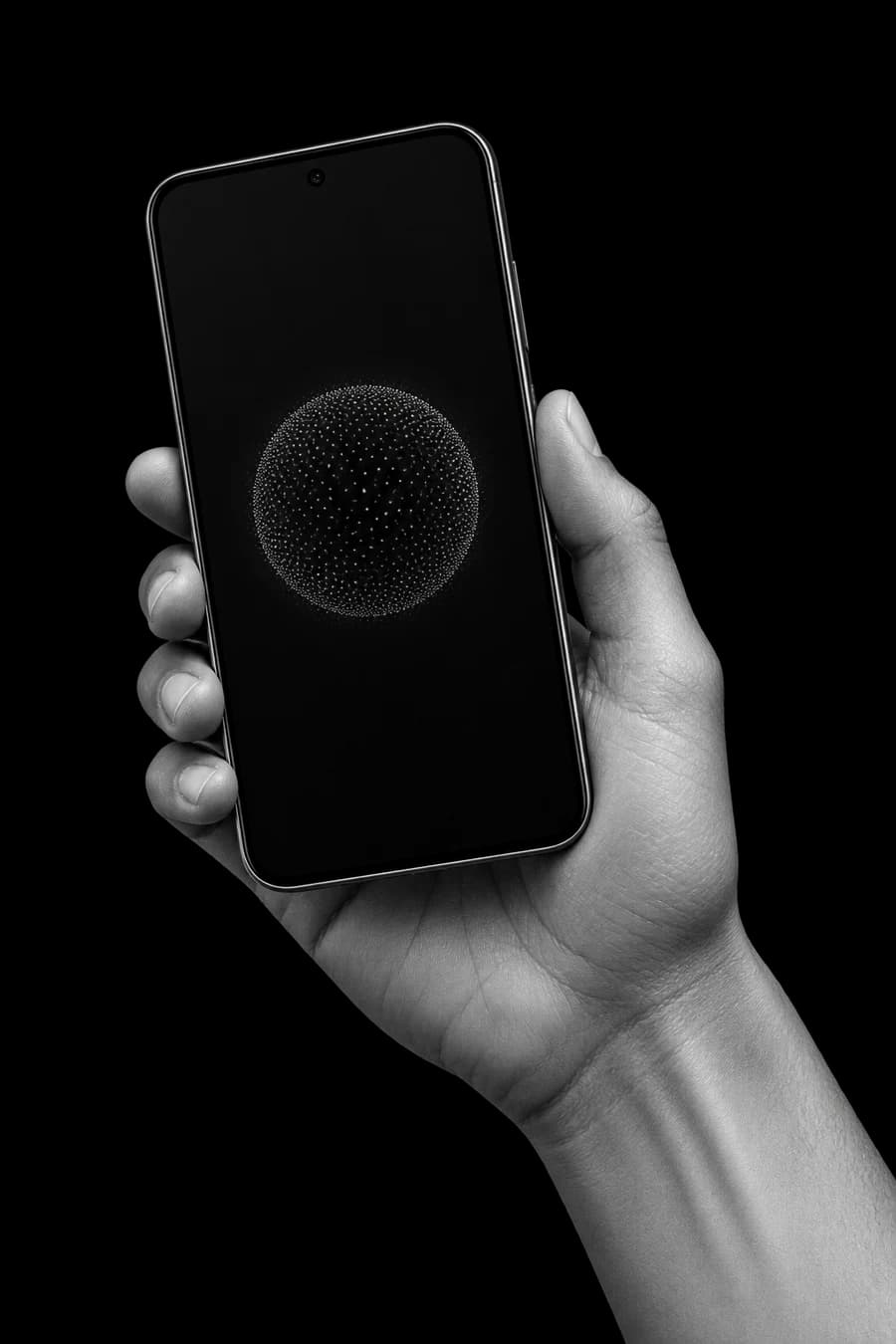
Follow an illustrative hotel search from the first instruction to the final check. Nothing is booked, and no live apps are connected.
One request sets the destination, dates, and budget. In this example, the goal is to find an option — not to book it.
“Find a stay in Lisbon for 12–15 November, under €120 per night. Don’t book it.”
A clear boundary travels with the task.
Illustrative walkthrough. The app, result, and price are examples, not recorded product behaviour or a live offer.
Tools do the work. Boundaries shape it.
Screenshots help you review outcomes.
Read the request and the app state.
The task starts with your intent.Choose the next step within the permitted access.
Screen control must be enabled.Compare the result with the original request.
Review important outcomes yourself.Illustration of the agent loop · Not a live task
Silhouette reads and controls installed apps through Android Accessibility, and can report back with screenshots. It can misread screens or tap the wrong thing. Review important outcomes yourself.
It works on hidden screens of its own, up to five, so yours stays free.
Ask for three things and it runs them side by side, each on its own screen.
A separate, read-only check compares the phone with your words before you hear “done”.
A task it has worked out becomes a procedure it can replay.
“Every weekday at 8, check my tram.” The result lands in your chat.
Speak to it, even with the screen off. Speech is turned into text on the phone.
A REAL TERMINAL — Linux tools built in, no root.
IT WRITES PROGRAMS — Small tools it builds, runs and checks before you see them.
The phone’s state is the starting point.
Illustrates the architecture. No live task is running.
Silhouette works on a separate display on your phone. You keep using yours. After the phone restarts, it needs one step before it can make a screen again.
Explore Silhouette ↗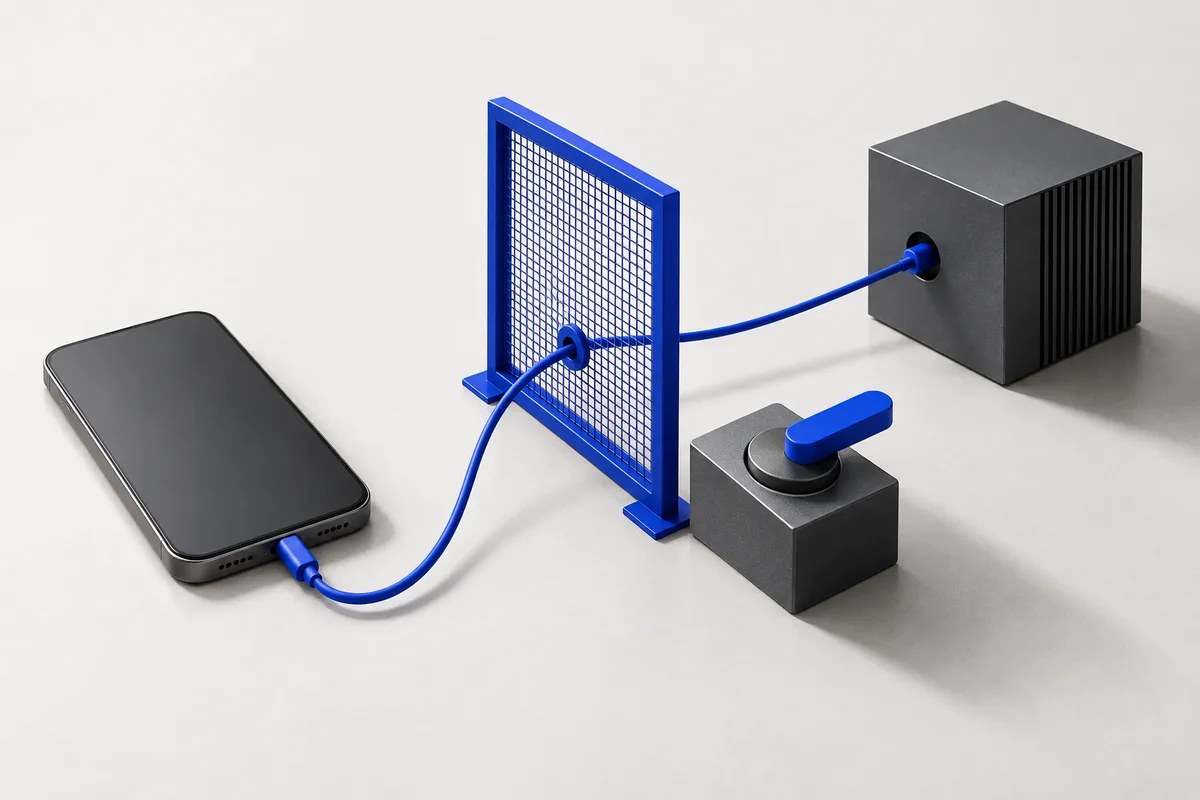
Silhouette uses Android Accessibility to read and tap in apps. Turn it off in Android settings to stop that access.
The harness is designed to stop messages to people you did not specify. Read the safeguards and their limits before testing.
The checker compares the phone state with your request. A failed check sends the task back for more work; it is not a guarantee against mistakes.
ONE PHONE · GALAXY A55 · ANDROID 16 · NOT A BENCHMARK SCORE
Six tasks ran at the same time using up to five screens. All six results were correct.
FROM THE LAB ↗02 / 8 SEP 20262nd screenRead an app on a second screen while the phone was locked.
FROM THE LAB ↗03 / 18 AUG 2026~15 → 1A calculator task went from about 15 model calls to 1 on the replay.
FROM THE LAB ↗04 / 7 SEP 2026621 → 290 sTwo app tasks: 621 s down to 290 s, and 1 of 2 passing became 2 of 2.
FROM THE LAB ↗05 / SINCE 21 AUG 20262 roads checkedStops a message to anyone you didn’t name, at the last step before sending.
READ THE ENGINEERING NOTE ↗Individual experiences with the beta. Published with permission.
I liked being able to describe what I needed instead of tapping through every step myself. I can see where Solace could fit into my everyday routine.
Being able to set a clear boundary—like finding something without buying it—made me more comfortable trying Solace.
What stood out was the check at the end. I still reviewed the result myself, but I appreciated that completing the steps wasn’t treated as enough.
There were moments that needed another try, but the useful parts made me want to keep testing. I could see the potential without expecting it to be perfect.
We are selecting a small first wave by device and use case. An application is a request to take part, not an immediate download.
No root required. Compatibility is reviewed for your phone.
Invited testers install a signed APK and review the permissions.
Expect mistakes. Start with low-stakes tasks you can undo.
Your application is saved for review. Testers are selected by phone and task, rather than sign-up order. If selected, you will be contacted about setup. There is no automatic confirmation email or promised response date yet.
There is no public download yet. Invited testers will receive a signed Android APK. The builds page will list release information when a build is available.
This is pre-release software, and it can make mistakes. Use tasks you can undo. Review the controls and limitations, data flows, and draft beta terms before participating.
No. The harness operates on your phone, but model requests can leave the device. Provider and beta relay arrangements are still being finalized. Read what leaves your phone for the current details.
Have a task in mind?
Tell us what you would hand over.
We are a small AI lab building the tools, rules, and checks around the model. We publish the engineering as we go.
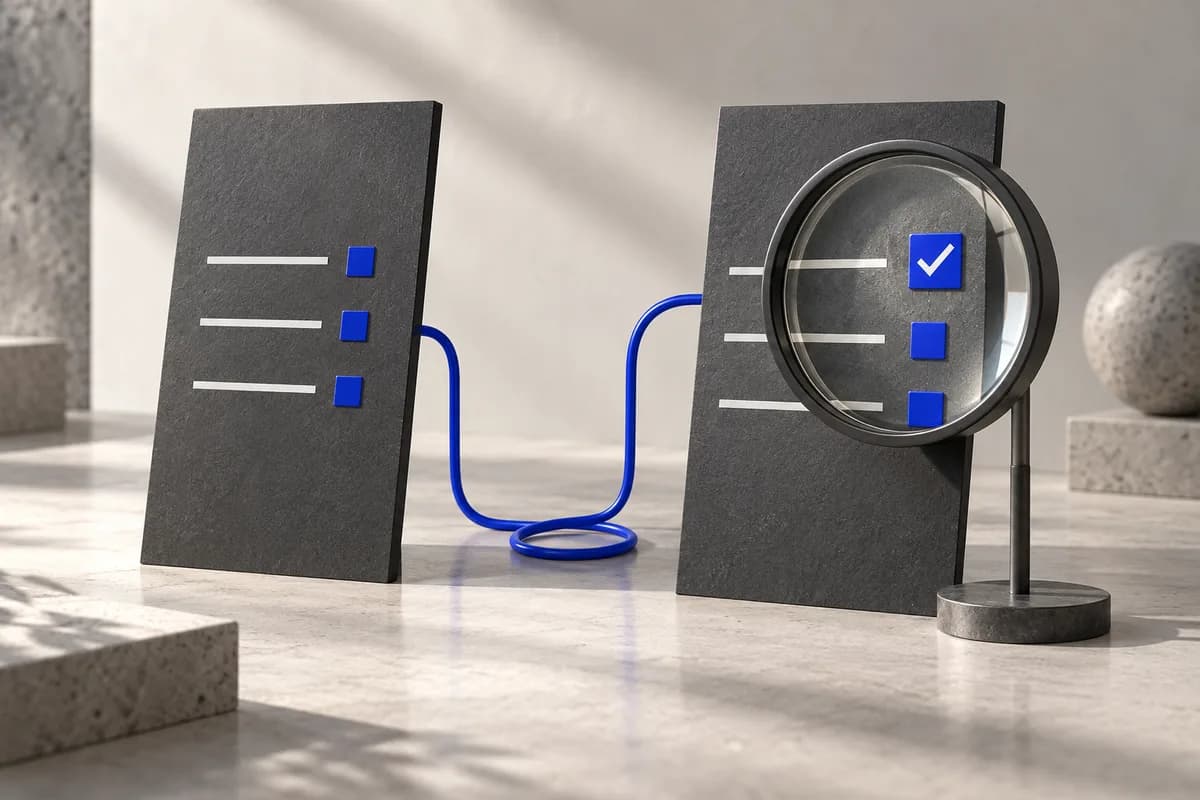
Why we moved the completion check out of the worker, and what that changes.
Read the engineering note ↗The model sits inside tools, procedures, recipient guards, and a separate completion check. Those boundaries are what we build and test.
Benchmark results and the technical report are still in progress. We do not publish a success rate before it has been measured.
Report status ↗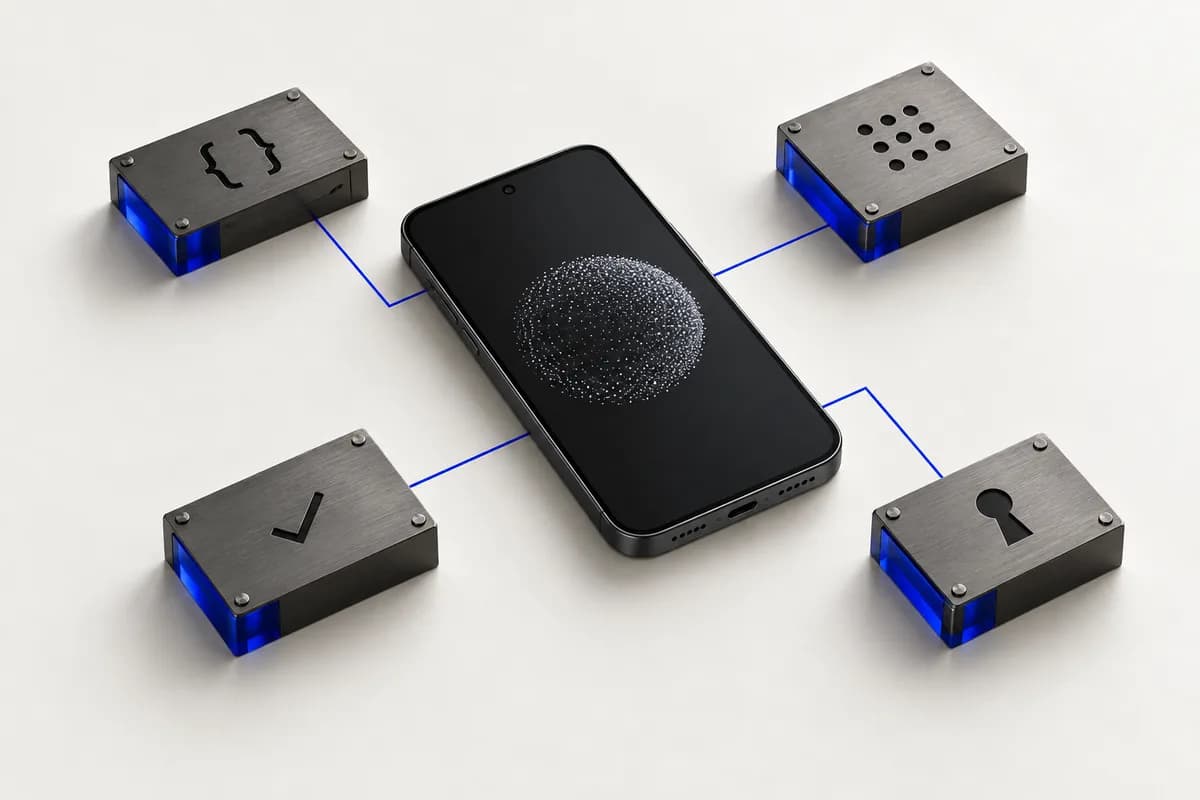
Explore the tools, guards, and checks behind Silhouette.
FOR BUSINESSES / BY ENGAGEMENT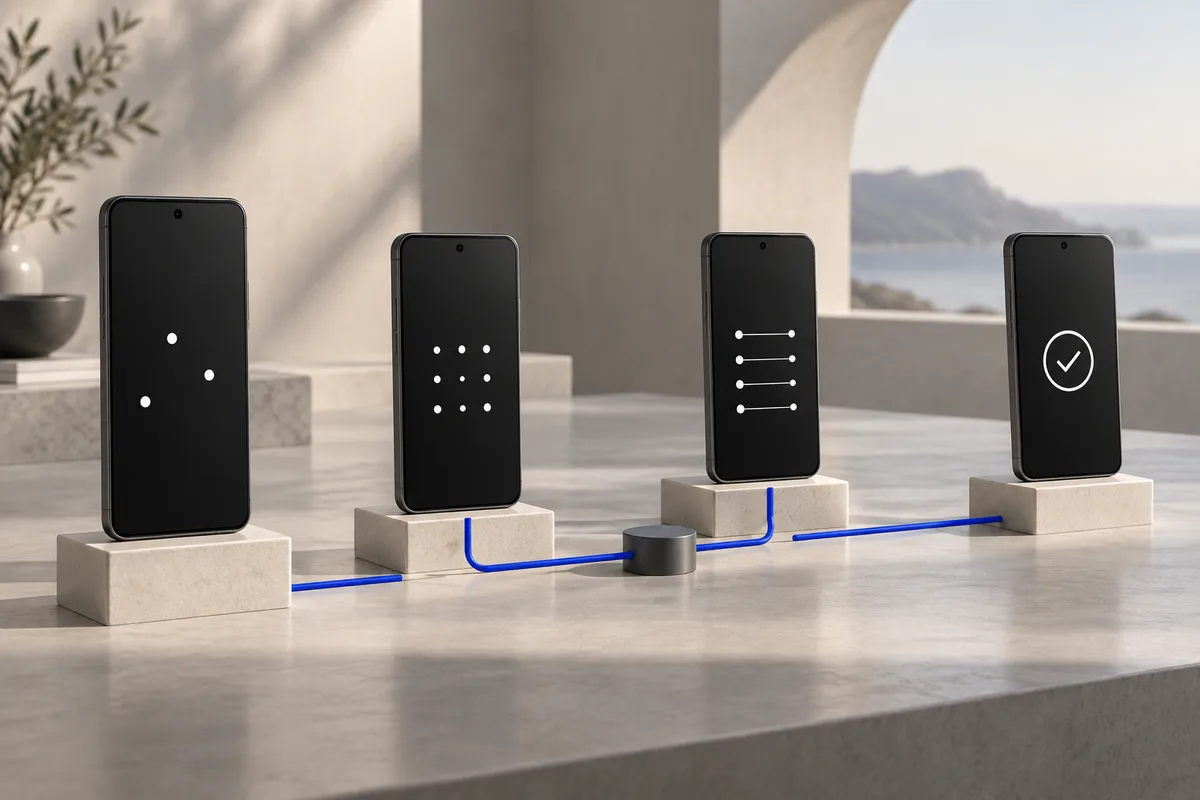
Agent deployment, evaluation, and engineering with your team.